Windows computer
Use the PC you already have instead of buying a separate receiver or capture-card setup.
If you are trying to show an iPhone or iPad screen on a Windows computer, Duet gives you a software-based mirroring and control workflow without extra receiver hardware. Duet also supports Mac when your workflow spans both platforms.
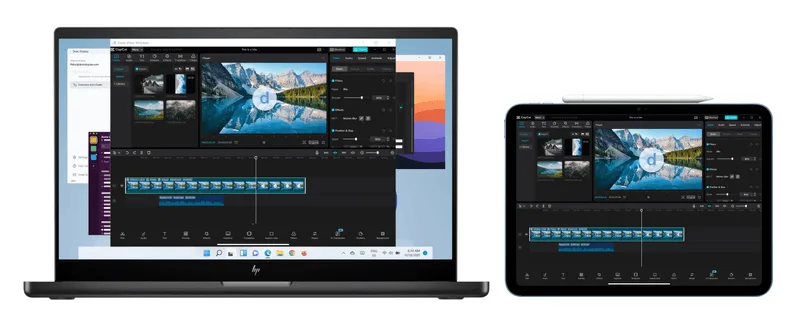
Many people search for AirPlay to PC because they want their iPhone or iPad screen on Windows. Duet is built for that practical outcome: show and control your iOS device on a Mac or PC.
Use the PC you already have instead of buying a separate receiver or capture-card setup.
Bring the mobile screen into your desktop workflow for demos, training, recordings, and presentations.
Duet is not just a view-only workflow when you need to interact with the iOS device.
Download Duet for Windows and sign in to your Duet account.
Install Duet on the iPhone or iPad you want to mirror.
Follow the in-app pairing steps to show and control your iOS device from the computer.
AirPlay to PC, AirPlay to Windows, AirPlay receiver for PC, iPhone screen mirroring to PC, and iPad screen mirroring to Windows.
If your goal is to show your iPhone or iPad screen on Windows, Duet gives you a software-based mirroring and control workflow for PC.
Duet is not positioned as generic AirPlay receiver hardware. It is a Duet app workflow for iOS mirroring and control on Mac and PC.
Yes. Duet supports mirroring and control for iPhone and iPad workflows on your computer.
Start a Duet trial and set up iOS mirroring on Windows.


